
How to schedule a league season
How to schedule a league season, step by step
Count the games, map your field slots, generate a fair round robin, then lock and publish, with registration and standings on the same platform.
Good morning, Riverside Youth League. 3 results are waiting for the other club to confirm, 2 games still need a referee, and Westfield has applied to join with 1 team.
Demo league · sample data · nothing savesSample league dashboard. Not a real league; names and numbers are made up.
To schedule a league season, count the games each division needs, list every field slot you hold and the dates you cannot use, choose a single or double round robin, then place games so no team plays twice in a day, rest is even and home and away alternate. Check the draft for clashes, lock it and publish it before the first game.
One platform for the whole league
-
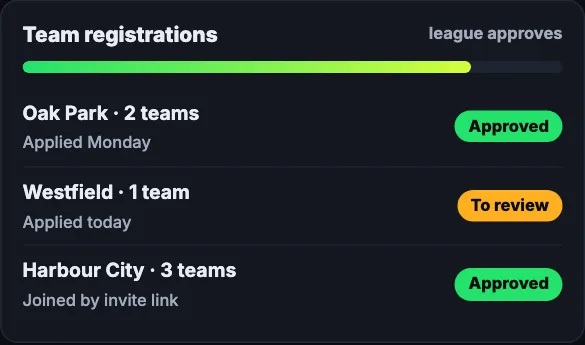
Player and team registration
Member clubs run player registration with card checkout to their own Stripe account, discounts, financial aid and a waitlist. Clubs join the league by its link and you approve their teams.
-
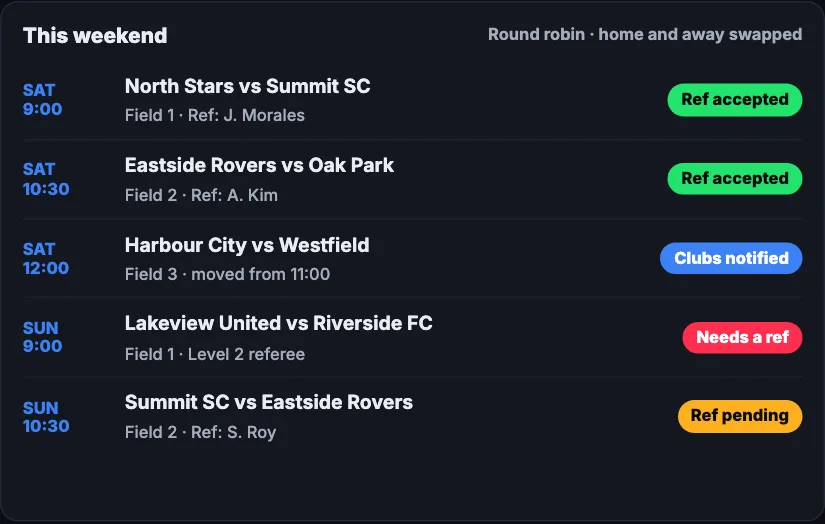
Season schedule
Generate a round robin on the fields and hours you hold. Edits after publishing are checked for clashes, and clubs get a notice when a game moves.
-
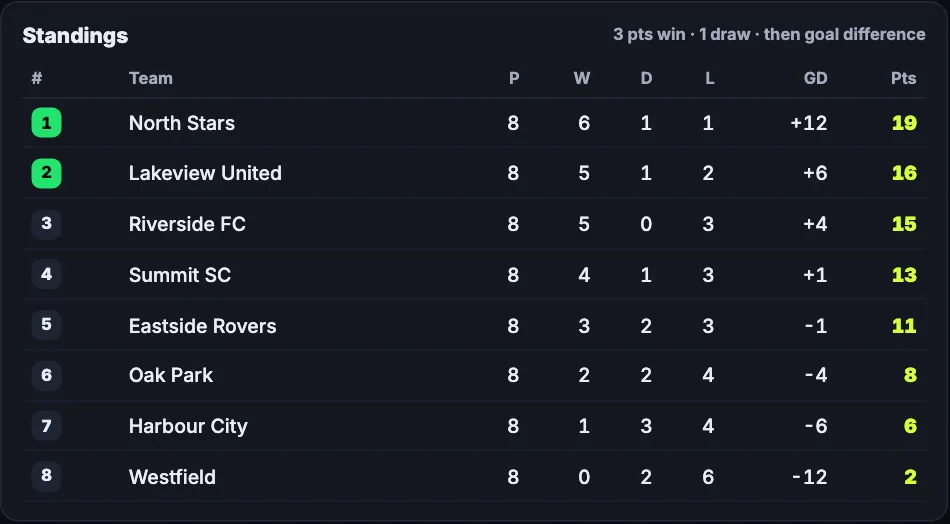
Results and standings
One club enters the score, the other confirms or disputes it, and the league can override. The table updates from confirmed results.
-
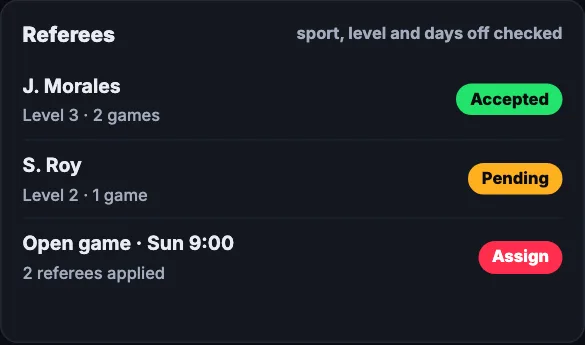
Referee assignment
Assign officials with checks for sport, level and days off. Referees accept, decline or hand a game back, and can apply for open games.
-

League fees
Set a fee per member club and collect it through the league's own Stripe account. Referee fees are tracked as owed and paid.
Sample league screens. Names and numbers are made up.
How to schedule a league season
Count the games first
A round robin means every team plays every other team. For a division of n teams, a single round robin is n × (n − 1) ÷ 2 games, and a double round robin, where each pair plays home and away, is twice that. With an odd number of teams, one team has a bye each round.
| Teams in division | Single round robin | Double round robin | Rounds (single) |
|---|---|---|---|
| 6 | 15 games | 30 games | 5 |
| 8 | 28 games | 56 games | 7 |
| 10 | 45 games | 90 games | 9 |
| 12 | 66 games | 132 games | 11 |
Compare that with your field slots. If 8 teams play a double round robin, you need 56 game slots across the season. Fewer slots means a shorter format or fewer teams per division.
List field slots and blackout dates
Write down every venue and field, the hours you hold each week and every date you cannot use: holidays, school events, tournaments. A slot is one field for one game length plus changeover time. This list, not the calendar, is what limits your season.
Build the season in 6 steps
- Fix the divisions. Close team registration, then set each division's teams. Changing a division after the schedule is built means starting again.
- Choose the format. Single round robin for a short season, double for a longer one, where every pair plays home and away.
- Generate the rounds. Use a round-robin method, or a generator, to set who plays whom in each round, swapping home and away.
- Place rounds on slots. Put each round's games into your field slots, skipping blackout dates, with no team in two games at once and at most one game per team per day.
- Check fairness. Look at each team's rest between games, early and late slots, and the home-and-away sequence. Swap games where one team carries the worst of it.
- Lock and publish. Lock the schedule and publish it to every club. After that, change games one at a time and check each change for clashes.
How Play 2 Earn Sports schedules a season
A generator built on your field time
Generate a single or repeated round robin for a division with home and away swapped, no team booked twice and at most one game per team per day. Add venues and fields with the hours you hold, mark blackout dates, and the generator only uses free slots.
Fairness scoring
The generator scores rest between games and the home-and-away sequence, and works out travel distance.
Clash checks after publishing
Lock and publish the schedule; any later edit is checked for clashes, and clubs can request a fixture change. When a published game moves or is called off, connected club and team accounts get an in-app notice.
Start from what you have
Import a schedule from a calendar link, or upload a season as a CSV or .ics file. Try the free round robin generator and league schedule maker before you sign up. The sports scheduling software page covers the generator in depth.
Season schedule checklist
- Divisions are final before you generate.
- Total games fit inside your field slots.
- Blackout dates are entered for every field.
- No team plays twice in one day.
- Early and late slots are spread across teams.
- Home and away alternate as evenly as the slots allow.
- The schedule is locked and published before the first game.
Questions
Add a bye: each round, one team does not play. Over a full round robin every team gets the same number of byes.
It depends on your field slots and season length. A double round robin needs twice the slots and gives every pair a home and an away game.
In Play 2 Earn Sports each division is generated on its own; there is no multi-division generation in one run. Generate them one after another on the same field slots, and the generator only uses slots still free.
Move or call off the game on the published schedule, then place it in a free slot. Every edit is checked for clashes.
Yes. Any game or practice can be downloaded as an .ics file for Google, Apple or Outlook calendar. There are no calendar subscription feeds today.
More: League management software · Sports scheduling software · Round robin generator · League schedule maker · How to run a sports league · League scheduling guide
Run your whole league in one place
Play 2 Earn Sports is free for clubs and leagues, with a US$3.99 platform fee per registration that the club covers by default and can pass on to families. A free program has no fee.
Create your free league