

On this page
Registration in Club OS by Play 2 Earn Sports starts with your club's join link or join page: families join free and link to their children, and your staff place each player on the right team's roster. Families pay registration online by card, and club fees are tracked per family. The features run on Play 2 Earn Sports, in the web app on any phone or computer.
What registration looks like
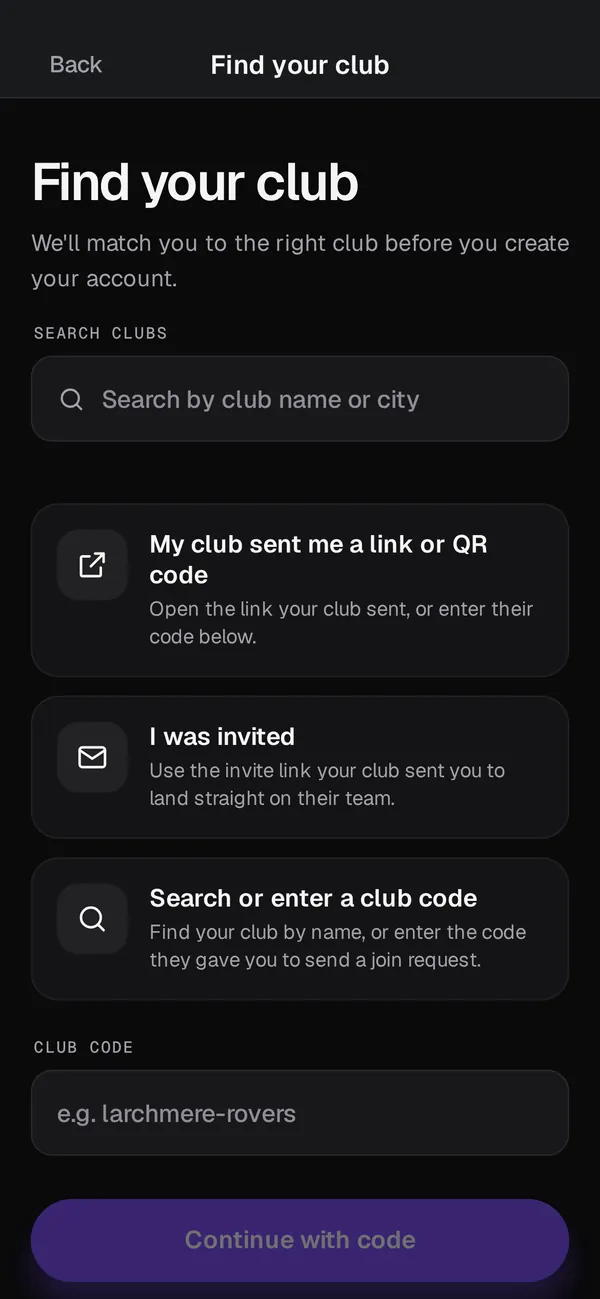
A family opens your club's join link, creates a free Play 2 Earn Sports account and joins your club. Guardians link to their own children. Club staff place each player on a team roster, and from there the family sees the schedule and Team Chat.
On the money side, families pay registration online by card, and the money goes to your club's Stripe account. Club fees are also tracked per family. Families can submit an e-transfer, and the club records it. The club gets a clear view of who's unpaid.
How Club OS handles registration
-
A join link and a join page
Share one link in your newsletter, on your website or in a club announcement. Players and families join free.
-
Rosters that fill as families join
Once a player is on a roster, the team has formation positions and roster permissions, so coaches see their team without retyping a list.
-
Fees tracked per family
Each family's club fees sit in one place, with what's owed and what's been recorded.
-
E-transfers recorded
When a family submits an e-transfer, it's recorded against their fees, so the treasurer isn't matching bank notices to names by hand.
-
Online payment
Connect your club's Stripe account and families can pay by card when they register. A $3.99 per-player fee applies at registration.
What's ready
| Registration need | In Club OS |
|---|---|
| Join link or join page | Ready today |
| Guardians linked to their children | Ready today |
| Staff place players on team rosters | Ready today |
| Club fees tracked per family | Ready today |
| E-transfers that families submit, recorded | Ready today |
| Paying registration online | Ready today, once your club connects its Stripe account |
| Your own registration questions | Ready today |
| Waivers in your club's own wording | Ready today |
You write the questions and the waiver wording. A family answers and accepts them before paying.
The fee on online registration
Club OS is free to join. A $3.99 per-player fee applies at registration. The club is never invoiced, and it can cover the fee or pass it on to families. Free programs stay free. The pricing page has the details.
Bringing in players you already have
If your players are registered somewhere else, export a roster CSV from TeamSnap, LeagueApps, SportsEngine, TeamLinkt, Sports Connect, PowerUp or another source and import it with a column map. Then send the join link so families connect to the players already on your rosters.
Open registration in 4 steps
-
Preview your club's app
Type your website address to see your app in your logo and colours with sample data. Nothing is saved.
-
Set up teams and fees
Create your teams and the club fees you'll track for each family.
-
Share the join link
Post the join link on your website and in your newsletter. Families join free and link to their children.
-
Record payments as they come in
Record e-transfers that families submit and check who's unpaid before the season starts.
Questions
Yes. Families pay by card when they register, and the money goes to your club's Stripe account. Fees are also tracked per family, and e-transfers that families submit are recorded.
You can add your own questions to a program: text, choices, checkboxes and dates.
Yes. Add a waiver in your club's own approved wording, and each family must accept it before paying. It isn't a separate e-signature service.
Nothing to set up or run. A $3.99 per-player fee applies at registration. Your club can cover it or pass it on to families.
No. Players and families join free through your join link or join page.
