


Free carpool planner · no account
Ride sign up and ride schedule for your team
A ride sign up lets each family claim a seat in a team member's car for a game or practice. The free planner shows every ride on the team schedule with the seats left, so parents sign up in one tap and see exactly whose car their child is in.
- No account
- No download
- First names only
How it works
Three steps, one link
No account for you and none for the parents. Everything happens in the browser on their phone.
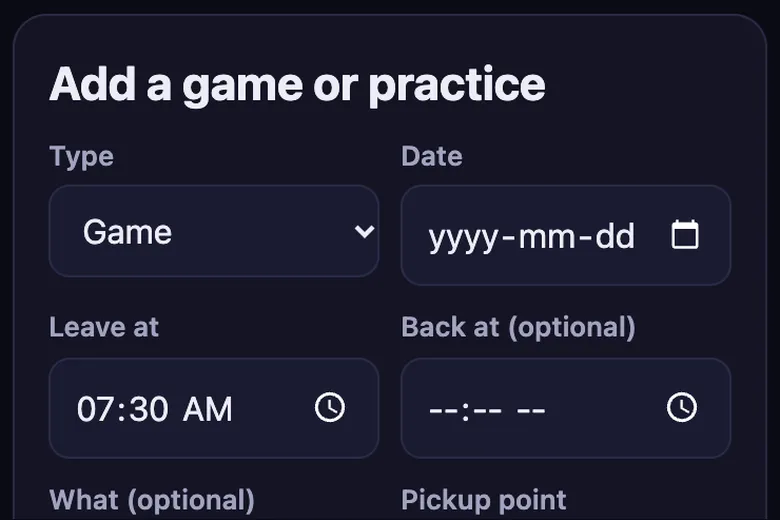
1. Add your trips
Games, practices and tournaments with the time and the meeting spot. Repeat a week in one tap.
2. Share one link
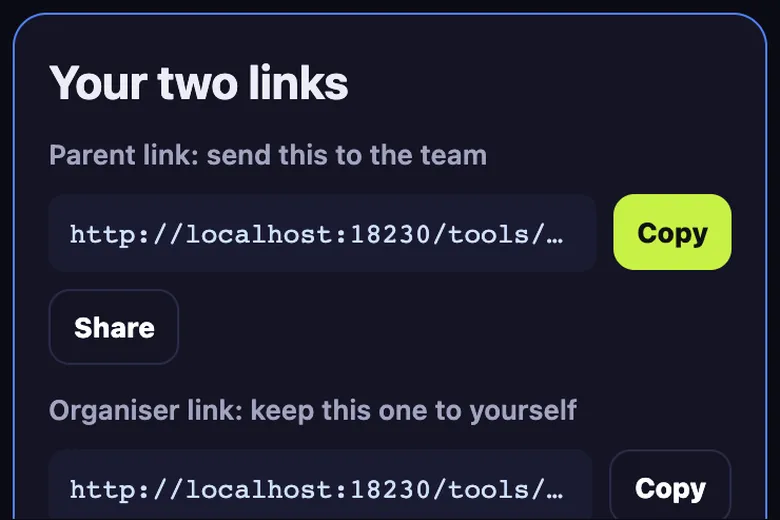
Paste the parent link in the team group chat. Drivers add their car and how many seats they have.
3. Parents claim seats
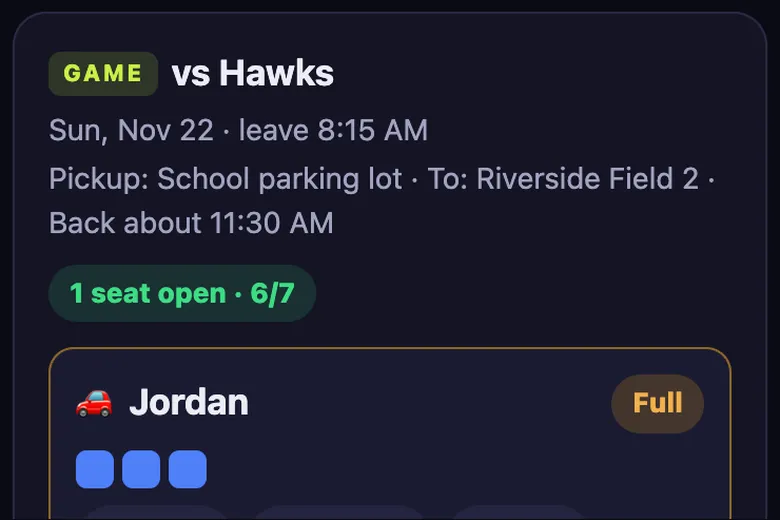
Each parent taps a car and adds their kid. Full cars close, so nobody is double booked.
What parents see
Parents open one link from the team chat. They type their child's first name once, and it is remembered on that phone. Each trip shows the cars, the seats left and the children already riding, with their own child highlighted.
Signing up is one tap on Claim seat. If the car filled up a moment earlier, the planner says so and the parent picks another car.
Keeping the ride schedule current
- The organiser edits a trip once and every parent sees the new time
- A driver who drops out is swapped and the riders stay
- Parents add only their own child's rides to their phone calendar
- Cancelled trips are deleted, then the summary is posted again
When there are more kids than seats
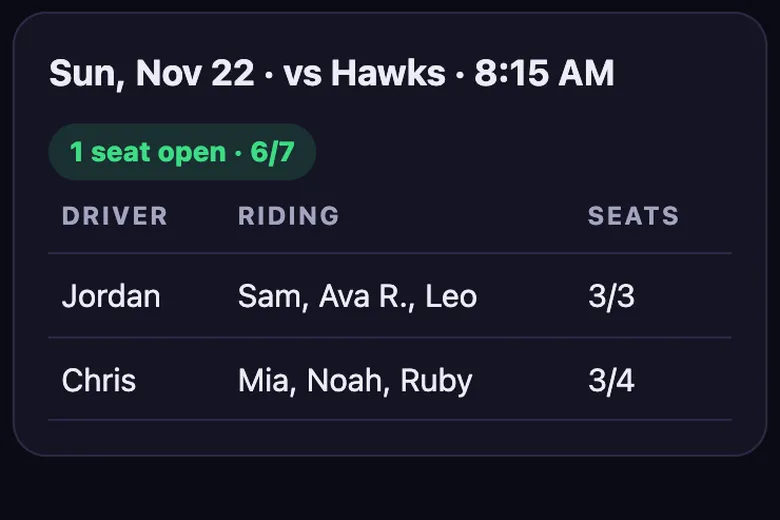
A trip with more children than seats shows its seat count in amber or red, so you can ask for one more driver well before game day. The Who's riding with whom table makes it easy to spot a child who has no ride yet.
Setting up the ride schedule
The organiser adds the season's games and practices once, with the date, leave time and pickup point, and presses Repeat next week for regular practices. Then the parent link goes into the team chat with a one-line ask: add your car if you can drive.
From there the schedule runs itself. Drivers add seats, parents sign up, and the organiser only steps in when a trip still shows Needs a driver a few days out.
What you get
Everything a team carpool needs
Seat limits per car
Each driver sets their seats. The car shows seats left and closes when it is full.
Who rides with whom
One view lists every kid with their driver and trip, so pick-up is never a guess.
Driver swap
If a driver drops out, swap in a new one and the riders stay in the car.
Add to calendar
Download trips as a calendar file, for the whole team or just your kid.
Group chat text
Copy a tidy summary of drivers and seats left and paste it in the team chat.
No account
No sign-up and no app. Kids by first name or initials, deleted after 120 days.
Compare
Carpool planner vs SignUpGenius, a Google Sheet or a group text
General sign-up tools and spreadsheets can work. This one is built only for team carpools.
| Feature | Carpool planner | SignUpGenius | Google Sheet | Group text |
|---|---|---|---|---|
| Seat limit per car, full cars close | ✓ | Slot limits per sign-up | Manual | No |
| Who rides with whom view | ✓ | No | Build it yourself | No |
| Swap a driver and keep the riders | ✓ | Edit by hand | Edit by hand | No |
| No account or app for parents | ✓ | Organiser needs an account | Depends on sharing settings | ✓ |
| Kids by first name, auto-deleted | ✓ | No | No | No |
| Price | Free | Free plan with ads, paid tiers | Free | Free |
Based on each product's general features as of November 2026. SignUpGenius is a trademark of its owner; no connection is implied.
Questions
Carpool questions parents ask
Do parents need an account to sign up for a ride?
No. The parent link works on any phone without signing in.
Can a parent cancel a ride?
Yes. Tap the cross next to the child's name to free the seat for someone else.
Is this a paid ride service?
No. It is a planner for team parents who drive each other's children. Nobody is paid and there are no drivers for hire.
Guides
More carpool guides