


Free carpool planner · no account
Basketball carpool planner for gyms and tournament weekends
Basketball teams often practice in school gyms on weeknights and play several games on a tournament weekend. Share one link with the practice and game trips, let drivers set their seats, and check who rides with whom before each weekend.
- No account
- No download
- First names only
How it works
Three steps, one link
No account for you and none for the parents. Everything happens in the browser on their phone.
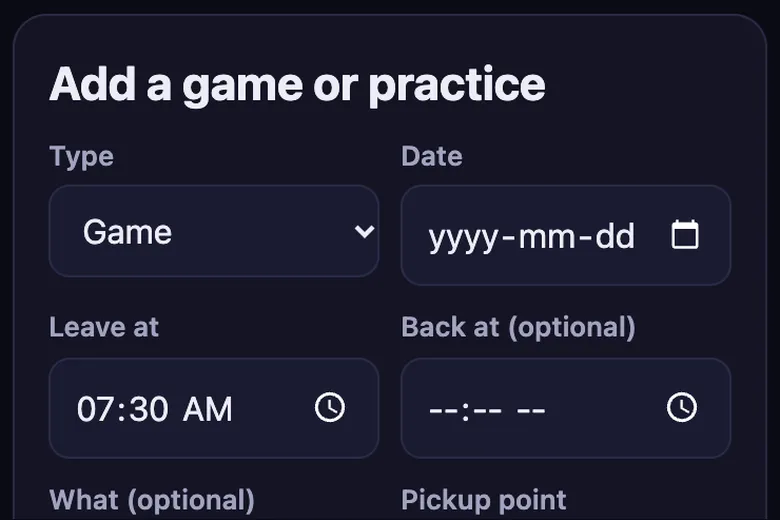
1. Add your trips
Games, practices and tournaments with the time and the meeting spot. Repeat a week in one tap.
2. Share one link
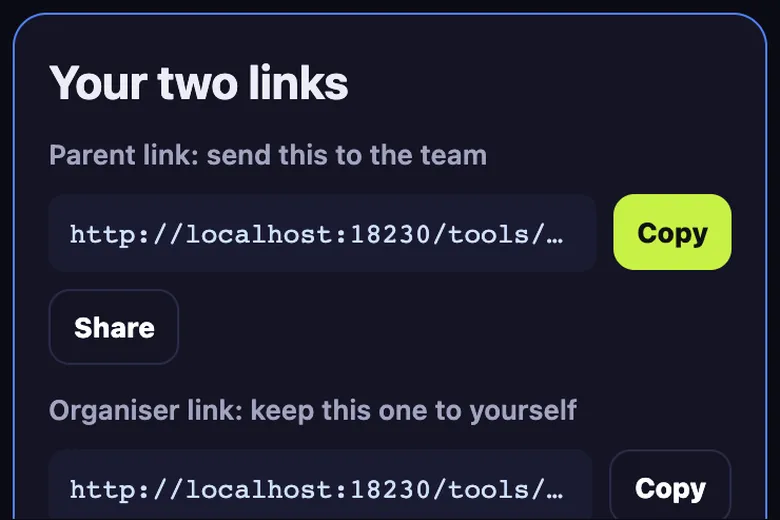
Paste the parent link in the team group chat. Drivers add their car and how many seats they have.
3. Parents claim seats
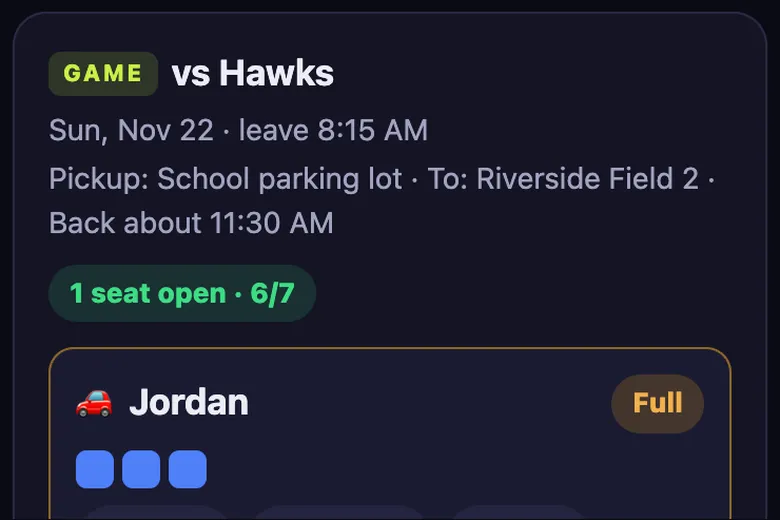
Each parent taps a car and adds their kid. Full cars close, so nobody is double booked.
Gym times change a lot
School gyms get booked around other teams, so practice times move more in basketball than in outdoor sports. When a time changes, edit the trip once and the parent link shows the new time straight away. The calendar file updates the next time parents add it.
Tournament weekends
A basketball tournament can mean three games over two days at different gyms. Add each day as a trip, with the first game's gym as the destination and the last game's end as the return time.
Some families leave between games. Kids can be claimed in one car for the morning trip and a different car for the afternoon, as long as each is its own trip.
Small rosters, small cars
With eight to twelve players, two or three cars cover the team. Check the trip status a few days ahead: Needs a driver in red is your cue to post the summary in the group chat.
Before a tournament weekend
Add the tournament days as soon as the schedule comes out, even if game times are not final. Drivers can claim the trip early and you edit the times once they are confirmed; the parent link shows the new times straight away.
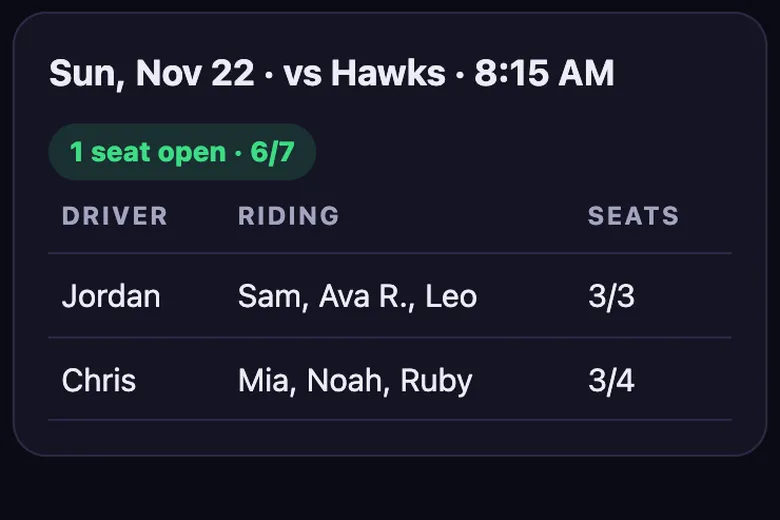
On the Thursday before, open Who's riding with whom and check every kid has a seat for every day. Copy the group chat summary and post it so families can see their kid's car, the leave time and the gym without asking. If a team plays late on Saturday, add the return time so the parents waiting at home know when to expect them.
What you get
Everything a team carpool needs
Seat limits per car
Each driver sets their seats. The car shows seats left and closes when it is full.
Who rides with whom
One view lists every kid with their driver and trip, so pick-up is never a guess.
Driver swap
If a driver drops out, swap in a new one and the riders stay in the car.
Add to calendar
Download trips as a calendar file, for the whole team or just your kid.
Group chat text
Copy a tidy summary of drivers and seats left and paste it in the team chat.
No account
No sign-up and no app. Kids by first name or initials, deleted after 120 days.
Compare
Carpool planner vs SignUpGenius, a Google Sheet or a group text
General sign-up tools and spreadsheets can work. This one is built only for team carpools.
| Feature | Carpool planner | SignUpGenius | Google Sheet | Group text |
|---|---|---|---|---|
| Seat limit per car, full cars close | ✓ | Slot limits per sign-up | Manual | No |
| Who rides with whom view | ✓ | No | Build it yourself | No |
| Swap a driver and keep the riders | ✓ | Edit by hand | Edit by hand | No |
| No account or app for parents | ✓ | Organiser needs an account | Depends on sharing settings | ✓ |
| Kids by first name, auto-deleted | ✓ | No | No | No |
| Price | Free | Free plan with ads, paid tiers | Free | Free |
Based on each product's general features as of November 2026. SignUpGenius is a trademark of its owner; no connection is implied.
Questions
Carpool questions parents ask
Can I add games at two different gyms on one day?
Yes. Add two trips on the same date with their own times and destinations.
Can parents see only their kid's rides?
Each parent can type their kid's name on the parent link. Their kid is highlighted and they can add only those rides to their calendar.
Does it work for 3x3 or school teams?
Yes. Any team with trips to share can use it.
Guides
More carpool guides