

In this guide
The question club leaders ask: "One coach uses WhatsApp, one uses email, one uses an app, and one texts. Families with two kids in the club get two completely different experiences. How do we fix that without upsetting our coaches?"
Watch the club communication guide
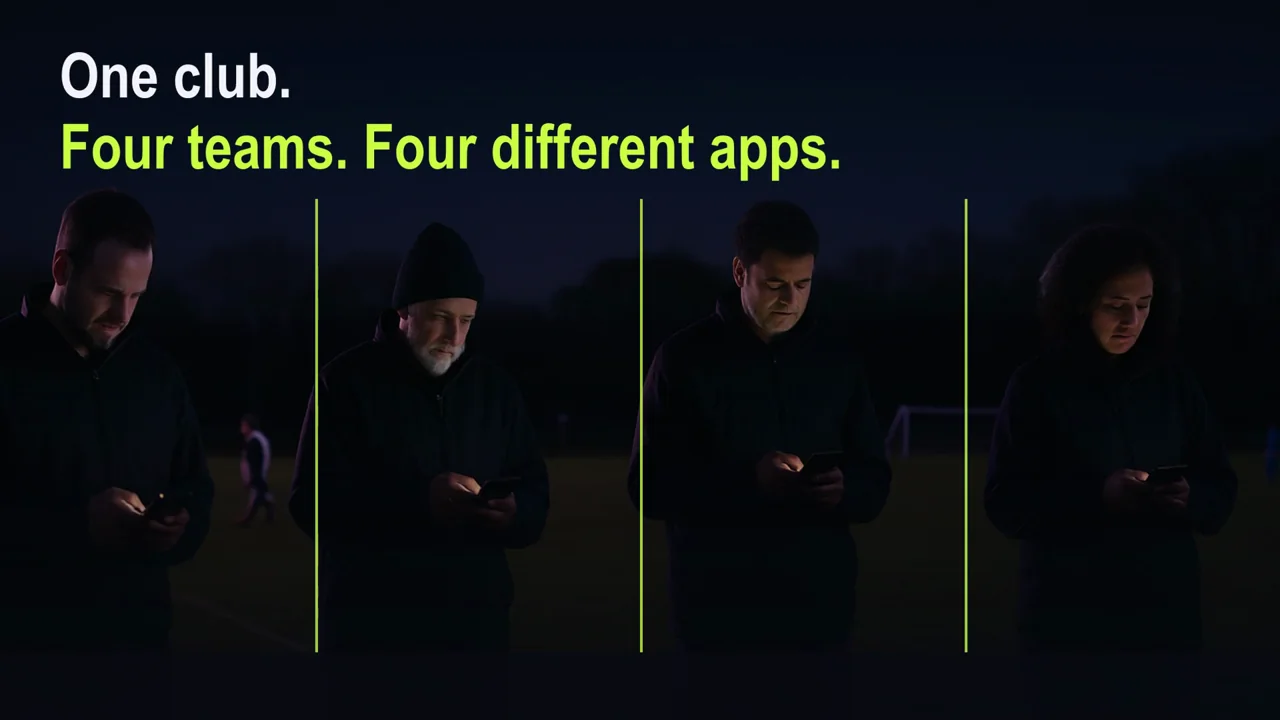
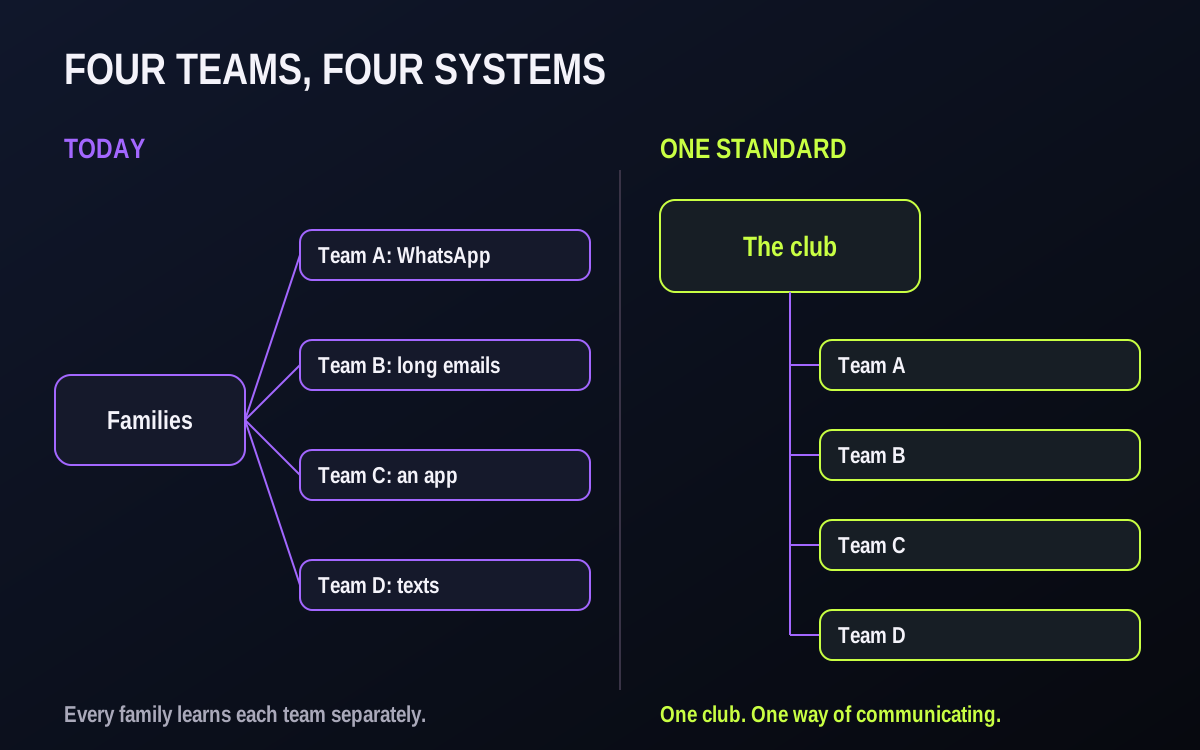
An example: two kids, two clubs
Illustrative example, not a specific club.
A family has a U9 son and a U12 daughter in the same club.
- The U9 coach posts in a WhatsApp group, the night before.
- The U12 coach sends long emails on Sunday with the whole week.
- One team uses an app; the other has never heard of it.
- Fees come from the registrar by email; tournament news comes on Facebook.
The parents are not confused about the sport. They are confused about the club. And when they compare clubs next spring, "organized" may be one of the things they weigh.

What inconsistency costs
- Families miss things. Every team has different habits, so every family has to learn each one.
- The club can't help when a coach is away. Nobody else can see the group chat, so a substitute coach starts from nothing.
- New coaches reinvent everything. Each volunteer builds their own system from scratch.
- The club looks smaller than it is. A club of 20 teams that communicates like 20 separate teams feels like a collection of teams, not a club.
The one-page communication standard
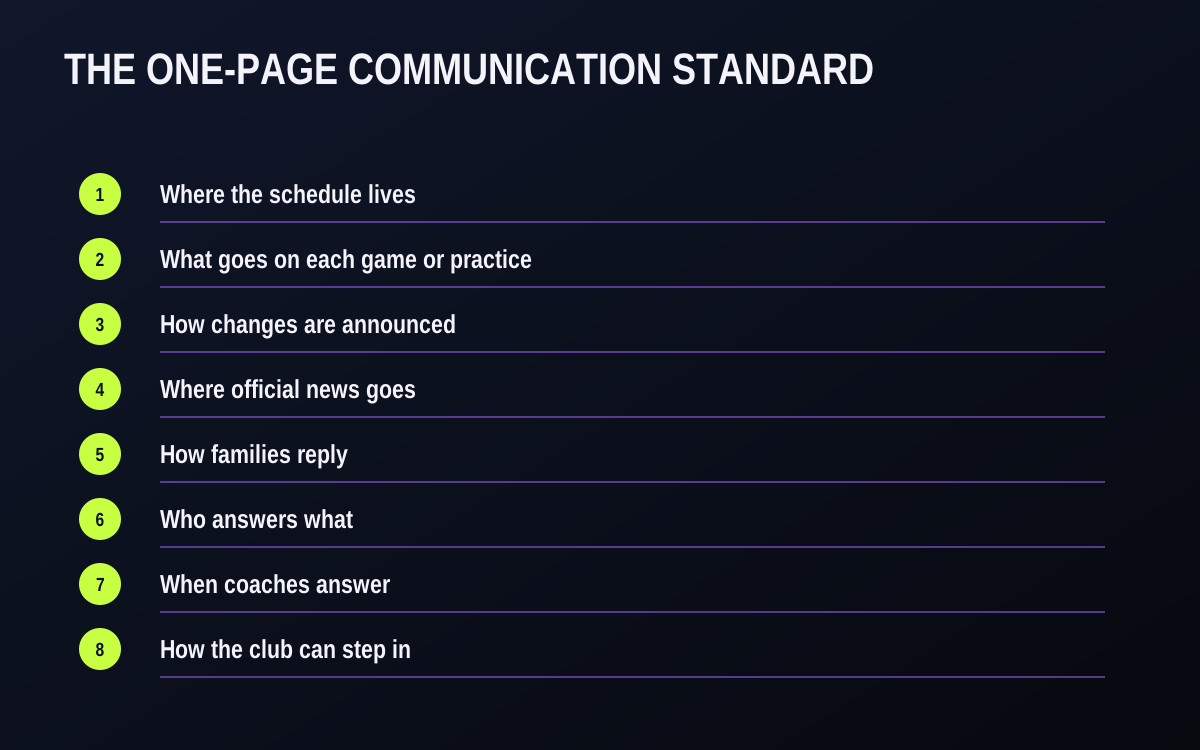
Agree these eight lines as a club, then share them with every coach and every family.
Where the schedule lives.
One place. If it isn't there, it isn't happening.
What goes on each game or practice.
Time, field, arrival time, kit, directions.
How changes are announced.
In the schedule first; never only in a chat.
Where official news goes.
Club announcements. Team chat is for conversation.
How families reply.
RSVP on every game and practice, with a reply-by time.
Who answers what.
Logistics: the event. Fees and forms: the club office. The player: the coach.
When coaches answer.
Agreed days and times, through the club's channels, not personal numbers.
How the club can step in.
Team records and team channels belong to the club, so a substitute coach or manager can pick up.
Roll it out without upsetting your coaches
- Ask, don't announce. Show coaches the standard and ask what would make the shared system easier to use.
- Start at a natural break. The start of a season, a new session, or after a tournament weekend.
- Move one team first. Pick a coach who likes it, then let other coaches see the difference.
- Keep their group chat for chatting. You're not banning WhatsApp; you're moving official information out of it.
- Tell families once, clearly. One club message: where to look, how to reply, who to ask.
- Give coaches the setup, not just the rule. A standard that says "put arrival time on every game" is easier to follow when the club has already created the season's games and a description template is ready to paste.
- Check in after two weeks. Ask each coach what is not working. A standard that never changes after feedback can start to feel imposed.
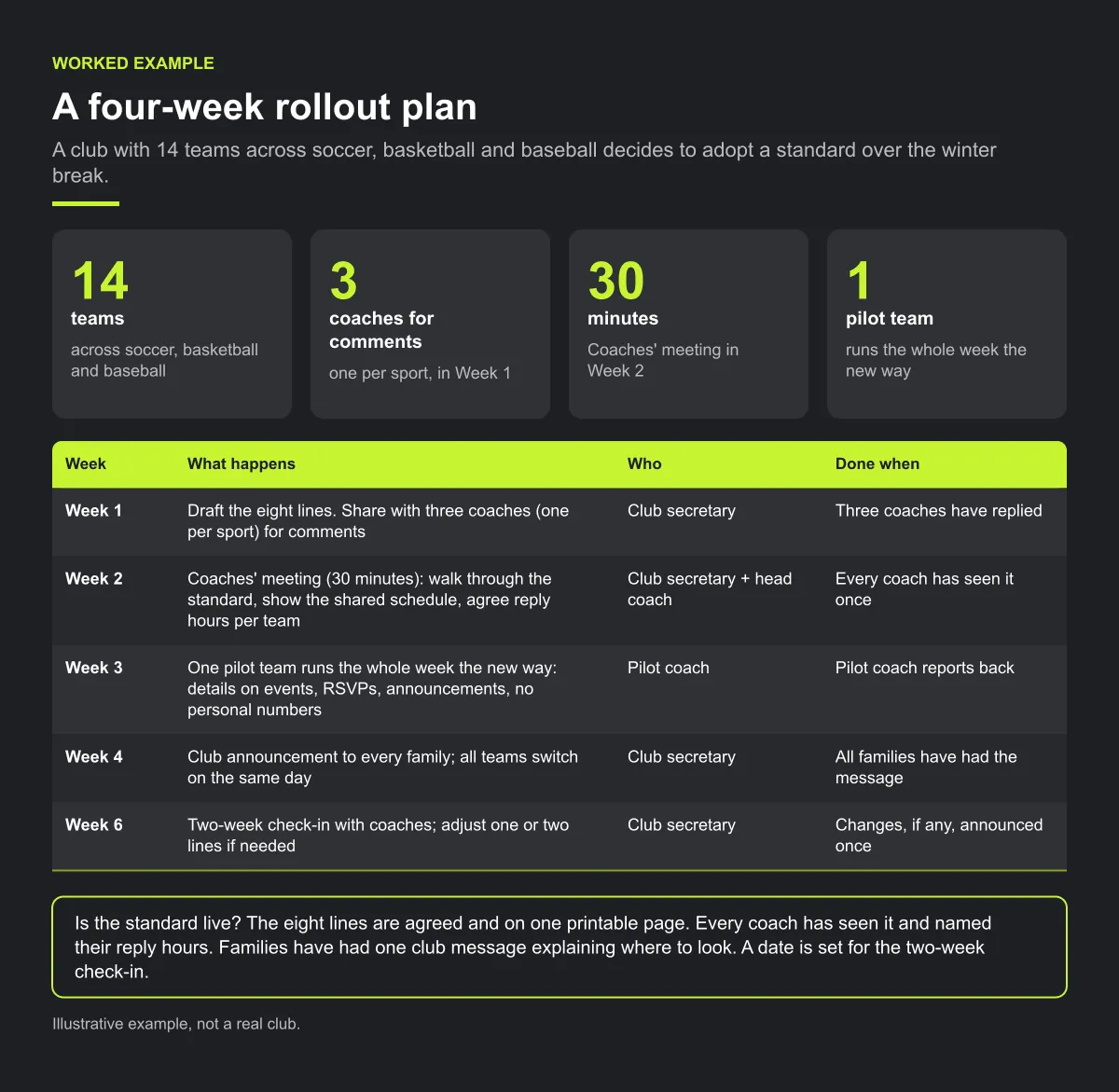
Worked example — a four-week rollout plan
Illustrative example, not a real club.
A club with 14 teams across soccer, basketball and baseball decides to adopt a standard over the winter break. Here is its plan, week by week.
| Week | What happens | Who | Done when |
|---|---|---|---|
| Week 1 | Draft the eight lines. Share with three coaches (one per sport) for comments | Club secretary | Three coaches have replied |
| Week 2 | Coaches' meeting (30 minutes): walk through the standard, show the shared schedule, agree reply hours per team | Club secretary + head coach | Every coach has seen it once |
| Week 3 | One pilot team runs the whole week the new way: details on events, RSVPs, announcements, no personal numbers | Pilot coach | Pilot coach reports back |
| Week 4 | Club announcement to every family; all teams switch on the same day | Club secretary | All families have had the message |
| Week 6 | Two-week check-in with coaches; adjust one or two lines if needed | Club secretary | Changes, if any, announced once |
The family message for week 4 can be this short:
Starting [date], every team at [club] communicates the same way. Your child's games and practices, with arrival time and kit, are always in [the schedule]. Please reply to each event so the coach knows who is coming. Club news comes as a club announcement. Fees and forms go to [club office]. Questions about your child go to the coach, in the team channel, on the days listed on your team page. Thank you for helping us run a better club.
The coach message for week 2:
Thanks for coaching this season. We're asking every team to follow the same one-page standard so families with kids on two teams aren't learning two systems. It also means if you're away, someone can step in. Have a look before Thursday's meeting and bring anything that won't work for your team.
Checklist: is the standard live?
- The eight lines are agreed and on one printable page.
- Every coach has seen it and named their reply hours.
- Every team's games and practices are in the one schedule, with details.
- Families have had one club message explaining where to look.
- Official news has moved to club announcements.
- A date is set for the two-week check-in.
Common mistakes
- Launching mid-week with no warning. Coaches who learn about a new rule from a parent may resist it. Talk to coaches first.
- Banning the group chat. Families may like it for carpools and photos. Move official information out; leave conversation alone.
- Writing a standard nobody can find. A rule that lives in one board member's email is not a standard. Put it on the website and in the coach pack.
- No owner. Without a named person to answer "is this allowed?", each coach decides alone and the teams drift apart again.
How Play 2 Earn Sports supports this
- One schedule for every team. Games, practices and events for the whole club in one connected calendar; families see their own child's.
- Details on each game. A description on each game (up to 2,000 characters) for arrival time, kit and directions.
- Club announcements, separate from team chat. Official news as a club announcement; team, coaches and parents channels for conversation.
- RSVPs on every event, with "No reply" visible to coaches.
- Change notices to the people in that game, in the app, by email, by push where enabled and in team chat.
- Team records belong to the club. Rosters stay with the team, coaches can be reassigned, and club owners and managers can review their club's team channels. (Private direct messages are not shown to the club.)
- No personal numbers needed, with youth-safety guards in team chat.
See one club, one way of communicating.
Frequently asked questions
Write a one-page communication standard (where the schedule lives, how changes are announced, where official news goes, how families reply, who answers what), give coaches a tool that makes it easy, and roll it out at a natural break in the season.
Where the schedule lives, what goes on each event, how changes are announced, where official news goes, how families reply, who answers which questions, when coaches answer, and how the club steps in when a coach is away.
No. Keep them for chatting if families like them. Just stop using them for official information like schedule changes, fees and club news.
Involve them before you announce it, start with one willing team, and make the standard easier than what they do now.
If team records and team channels belong to the club, a new coach or manager picks up the roster, schedule and channels. Ask departing coaches to hand over anything kept on their own phone.
Starter is free for clubs with up to 10 teams. Pro is $49.67 USD a month for 11 to 25 teams. Unlimited is $99.67 USD a month for 26 or more teams. Every feature is on every plan, and players and parents are always included. See pricing.
Related guides
- Parent communication guides: every parent communication guide in one place.
- Parents keep missing schedule changes
- Coaches getting late-night parent messages
- What parents should see about their child's games
- Sports club management software
