

In this guide
The question club leaders ask: "Our coaches are getting texts at 11 p.m. asking what time warm-up is. It's in the schedule. It's in the email. How do we stop it?"
Watch the answer-once system
An example: five questions late at night
Illustrative example, not a specific club.
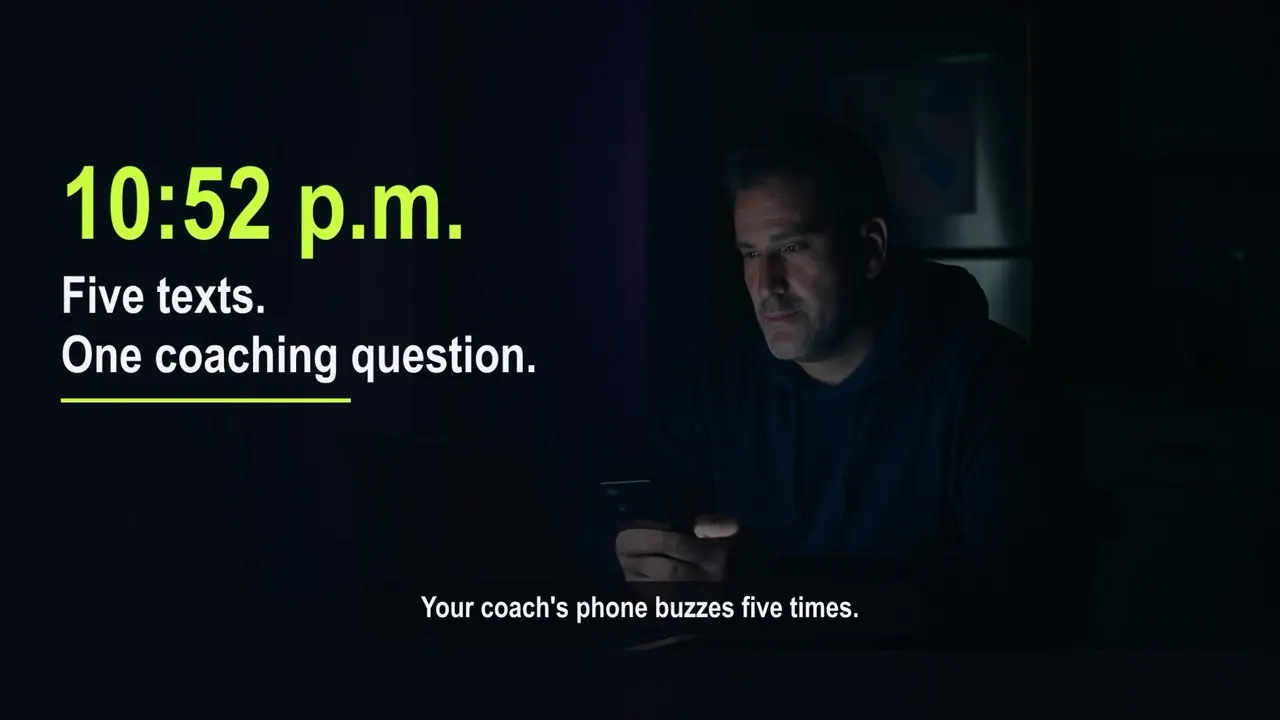
It is 10:52 p.m. on a Wednesday. The coach of the U13 girls has a full-time job and two children of their own. Their phone buzzes:
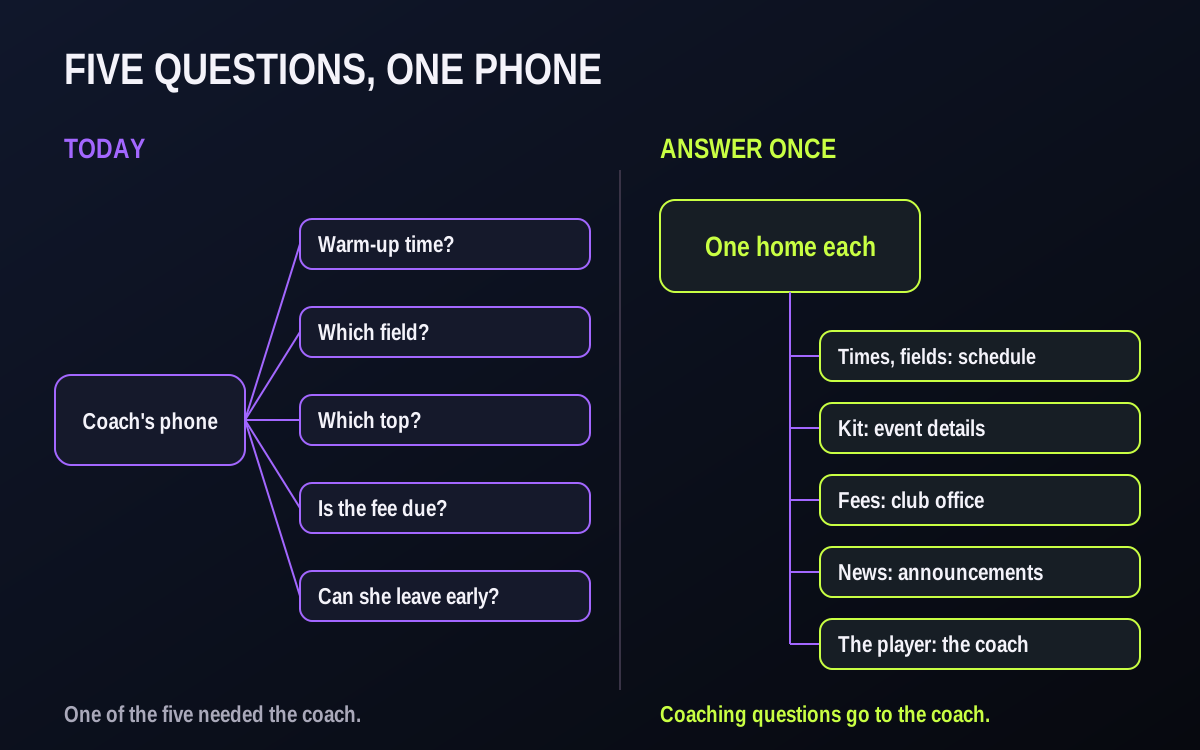
- "What time is warm-up Saturday?" (It is in the schedule.)
- "Which field is it, the one by the school?" (It is in the schedule and the email.)
- "Does she need the white or the purple top?" (It was in last week's message.)
- "Is the fee due this week?" (That is the registrar's job.)
- "Can she leave 20 minutes early?" (A fair question, and the only one that needed the coach.)
Five messages. One of them was a coaching question.
Why it happens
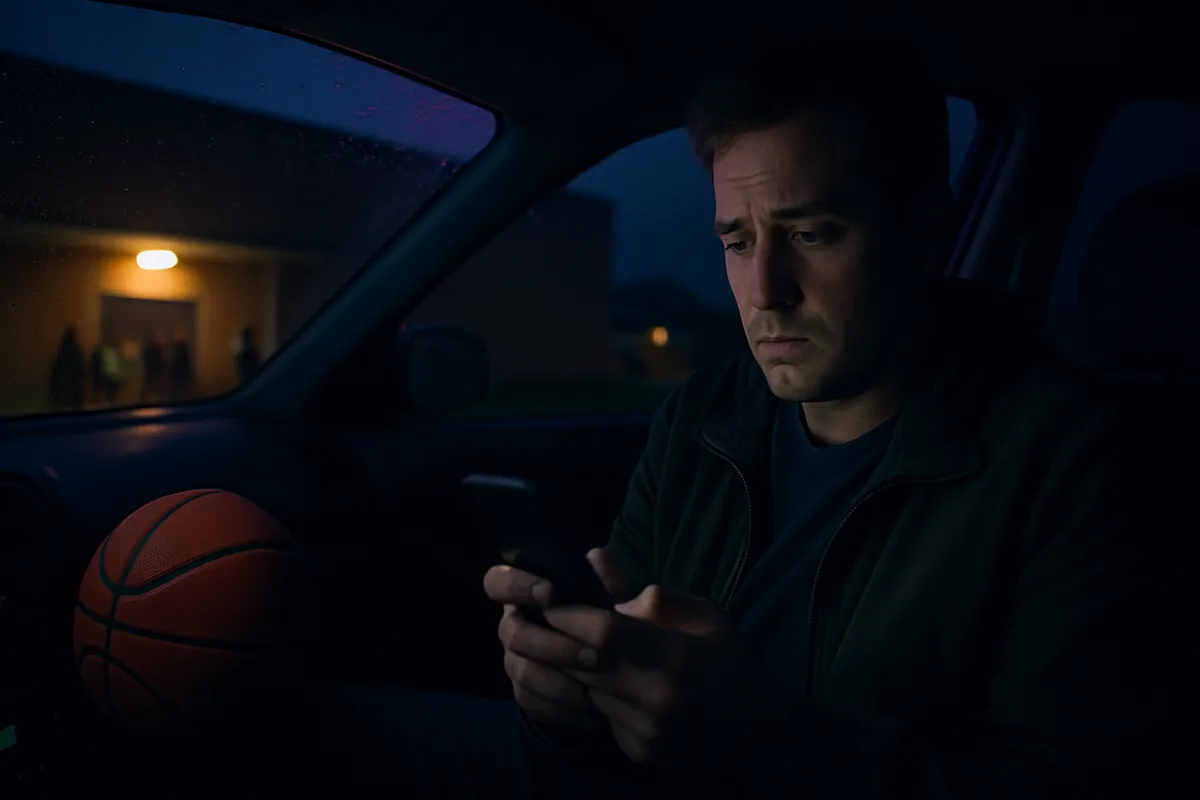
- The coach is the only reliable answer. If the schedule, the emails and the group chat ever disagree, parents stop trusting all of them and go to a person.
- Information has no fixed home. Kit colours are in one email, arrival times in another, fees on a spreadsheet nobody can see.
- Coaches gave out their personal number. Once they do, every question has a direct line to them, at any hour.
- Nobody said what the coach is for. Families do not know which questions go to the coach and which go to the club.
What it really costs the club
- Volunteer burnout. Coaches sign up to coach. Answering the same logistics question eight times can be the part that makes them think twice about next season.
- Slower answers to real questions. The message about an injury or a family problem gets lost between the warm-up questions.
- Harder safeguarding. Private messages between a coach and a young player are what safe-sport guidance asks clubs to avoid, and a club policy is easier to follow when team communication runs through club channels rather than personal phones.
- A club that feels improvised. When the only way to get an answer is to text a volunteer, families notice, and compare you with the club down the road.
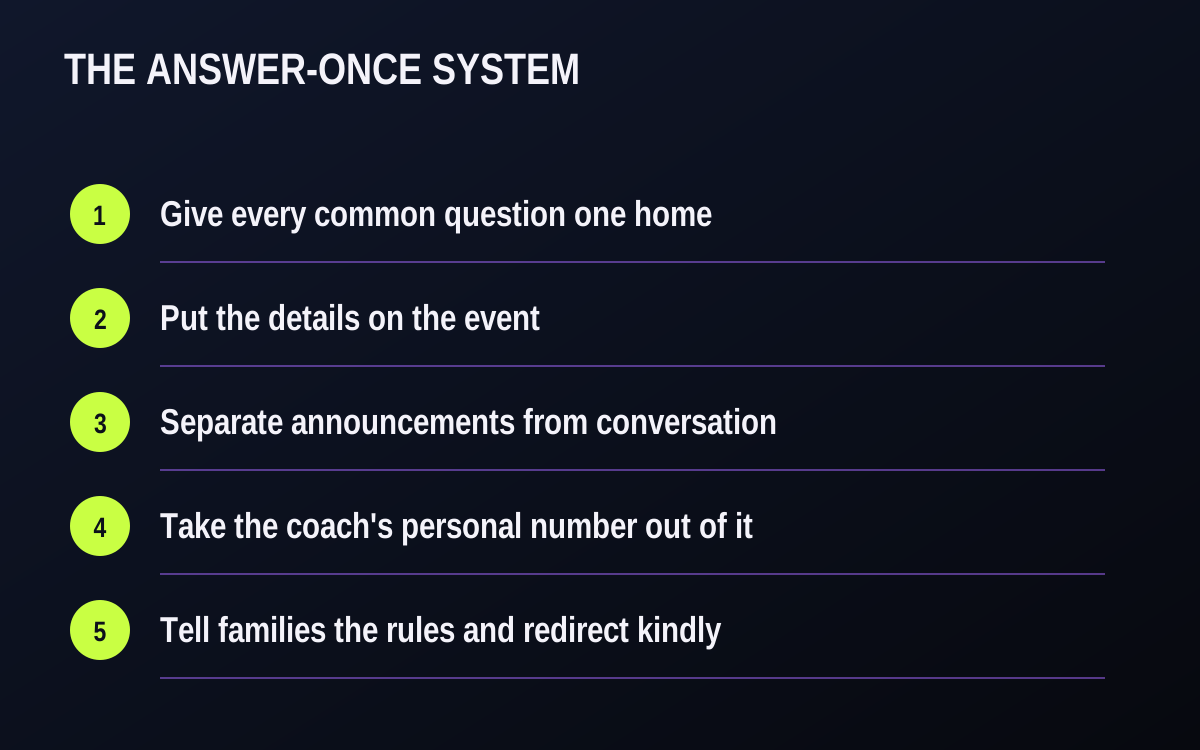
The fix: an "answer once" system in five parts
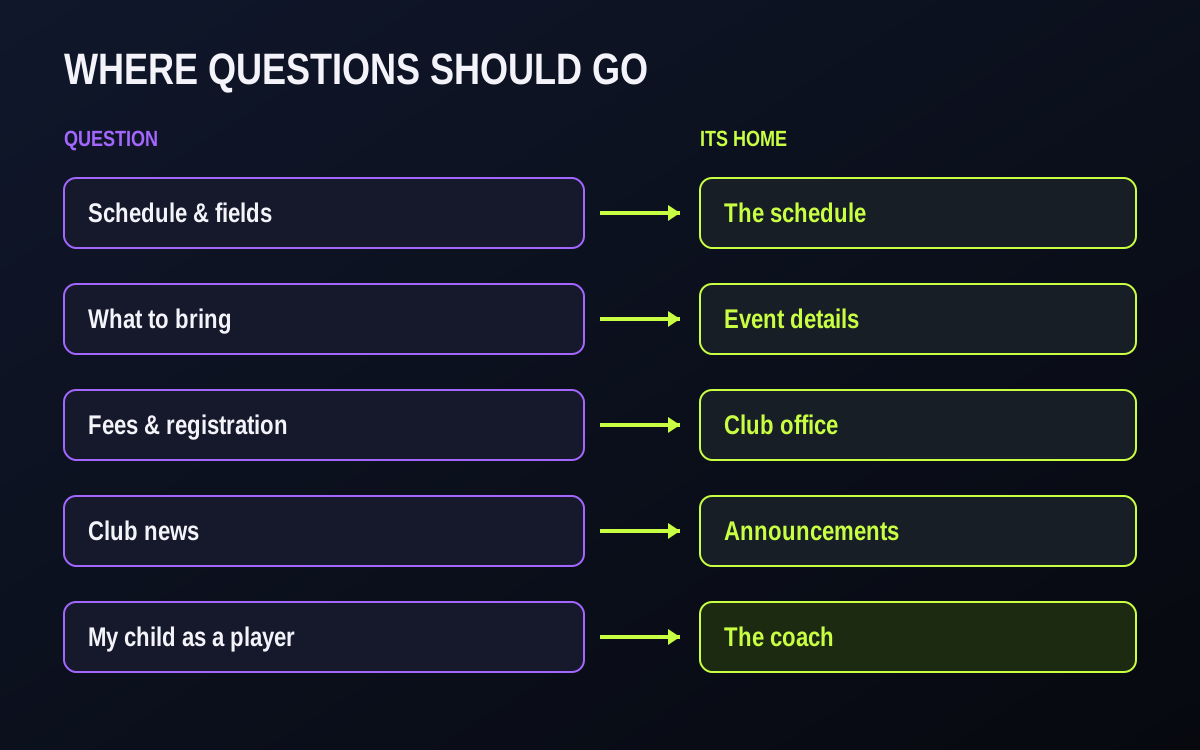
Give every common question one home.
List the ten questions families ask your coaches, from memory or from a week of a coach's messages. For each one, decide where the answer lives: the schedule, the event details, a parent handbook, the club office, or the announcements channel. Only player questions go to the coach.
Put the details on the event, not in a message.
Time, arrival time, field and what to wear belong on the game or practice itself. Messages scroll away; the event stays where the family looks.
Separate announcements from conversation.
Put official information in club announcements, and keep team chat for conversation. Agree as a club that coaches do not announce changes in chat. Families learn that if it matters, it is in announcements.
Take the coach's personal number out of it.
Coaches communicate through club channels, not personal texts. It protects their evenings and it is the safer arrangement for young players.
Tell families the rules at the start of the season, and redirect kindly.
Publish three lines: where the schedule lives, what goes to the coach, and when coaches answer. When a question arrives that has a home, answer with where to find it, not the answer itself. Over a few weeks, questions can start to move to the right place. A three-line message you can send families today:
1. Times, fields and what to bring are always on the event in the schedule.
2. Fees, registration and forms go to the club office, not your coach.
3. Coaches answer player questions through the team channel, on [days/times you choose].

Worked example — a question map and three redirect replies
Illustrative example, not a real club.
A club with soccer, basketball and volleyball teams sits down before the season and maps its ten common questions. The whole exercise takes one meeting. The result is a one-page table that coaches keep on their phone and families get at registration.
| Question families ask | Where the answer lives | Who keeps it current |
|---|---|---|
| What time is warm-up / arrival? | The game or practice description in the schedule | Coach or team manager, when the event is created |
| Which field, rink or court? | The event's venue in the schedule | Club scheduler |
| What colour top / which kit? | The event description | Team manager |
| Is the game still on? | The schedule, plus the club's change notice | Club scheduler |
| When is the fee due? | The club office (registrar or treasurer) | Treasurer |
| How do I register a sibling? | The club office | Registrar |
| Can my child leave early / miss a practice? | RSVP, then a short note to the coach | Family |
| Who is driving to the away game? | Team chat, parents channel | Families |
| What is the club's position on X? | Club announcements | Club leadership |
| Playing time, position, development | The coach, in the agreed reply hours | Coach |
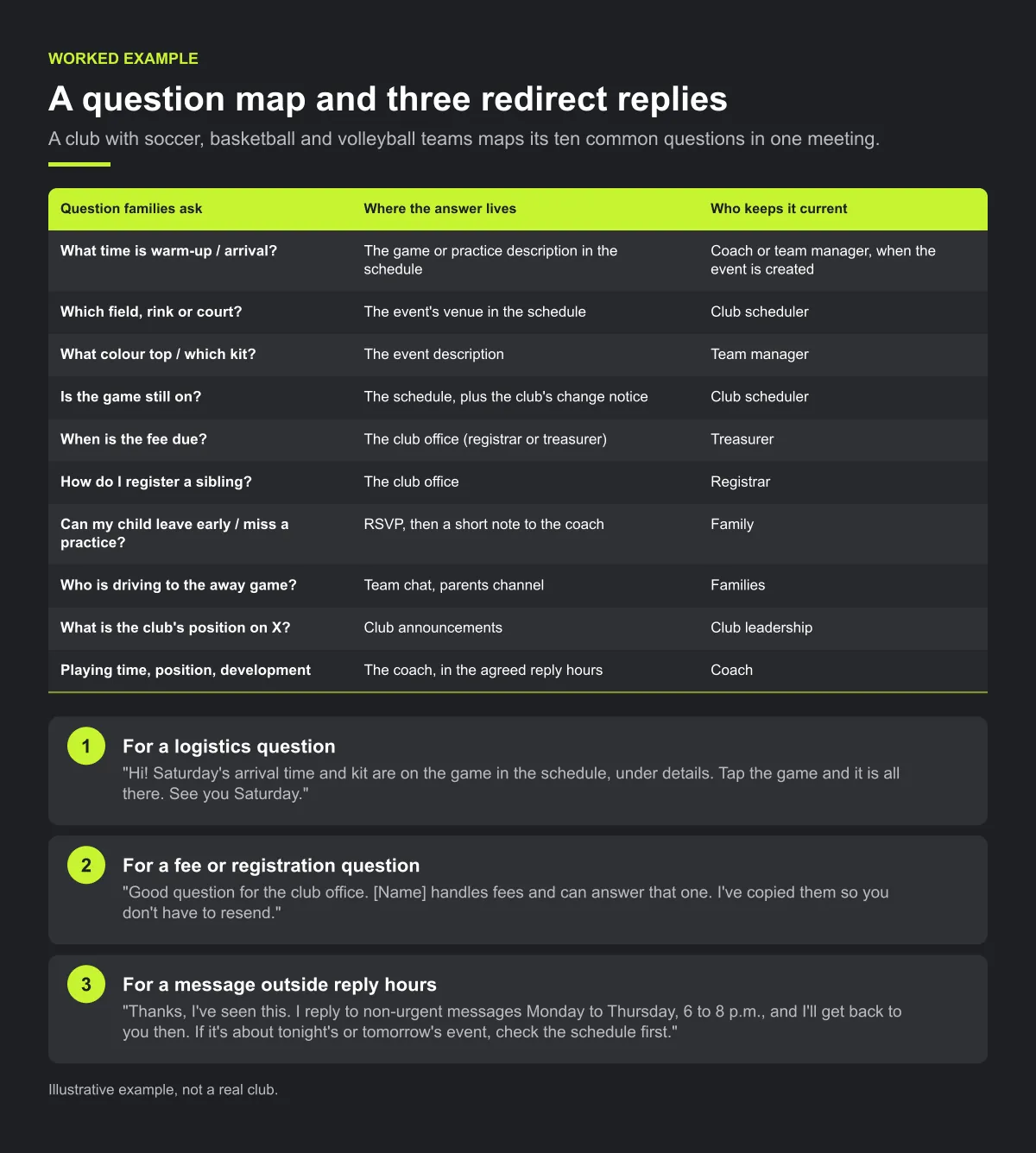
Three redirect replies a coach can copy. Keep them short and friendly. The point is to show where the answer lives, so the family can find it next time.
For a logistics question: "Hi! Saturday's arrival time and kit are on the game in the schedule, under details. Tap the game and it is all there. See you Saturday."
For a fee or registration question: "Good question for the club office. [Name] handles fees and can answer that one. I've copied them so you don't have to resend."
For a message outside reply hours: "Thanks, I've seen this. I reply to non-urgent messages Monday to Thursday, 6 to 8 p.m., and I'll get back to you then. If it's about tonight's or tomorrow's event, check the schedule first."
Reply hours in practice. One approach is to agree a window per coach and print it on the team page: for example, weekday evenings for two hours, and game day for anything urgent about that game. A hockey coach with early-morning ice may choose different hours from a baseball coach with evening games. What matters is that families know the window in advance.
Checklist: before the first practice
- The ten common questions are listed, each with one home.
- Every game and practice has arrival time, kit and directions in its description.
- Families have received the three-line message and the question map.
- Each coach has written reply hours, and families know them.
- Coaches use club channels, not personal numbers, for team communication.
- The club office has a named contact for fees and registration.
- Coaches have the three redirect replies saved.
Common mistakes
- Answering the question anyway. A quick "warm-up is at 8:40" at 11 p.m. feels kind, but it teaches the family that texting the coach is the fastest route.
- Putting details in chat instead of on the event. A kit colour posted in chat on Monday is buried by Thursday. Put it on the game, then point to it.
- Rules without a reason. "Don't text the coach" can sound cold. Explain that it protects volunteers' evenings and keeps youth communication in club channels.
- Leaving new families out. Families who join mid-season miss the start-of-season message. Send them the question map when they join.
How Play 2 Earn Sports supports this
- One schedule with the details on each game. Games, practices and events for every team in one connected calendar that families see on their phone. Each game has a description (up to 2,000 characters) where you can put arrival time, kit and directions.
- Club announcements, separate from team chat. Official news goes out as a club announcement. Team chat has team, coaches and parents channels, polls and direct messages for conversation.
- No personal numbers needed. Coaches talk to families through the club's channels instead of personal phones, with youth-safety guards built in.
- RSVPs and attendance. Families answer an RSVP on each event, with reminders, so "is she coming?" is a tap, not a text.
- Change notices that reach everyone. When a game moves, both teams hear about it in the app, by email, by push where enabled and in team chat, so the coach is not the one passing it on.
- Parents linked to their children. Accounts for children under 14 are run by a parent.
See how a club answers once.
Frequently asked questions
Give each common question a fixed home (the schedule, the event details, the club office, an announcements channel), take personal phone numbers out of team communication, and tell families at the start of the season which questions go to the coach and when coaches answer.
It is better if they do not. Club channels protect the coach's time, give the club a record, and make your safe-sport policy easier to follow. Check your governing body's guidance on messaging young players.
Questions about the player: playing time, position, development, an injury, a personal situation. Logistics (times, fields, kit) belong on the event; fees and registration belong to the club office.
Point to the place, kindly: "It is on Saturday's game in the schedule, under details." Answering directly teaches families to ask again next week.
For chatting, maybe. For official information, no: announcements get buried, new families are not in it, and it usually runs on the coach's personal number.
Starter is free for clubs with up to 10 teams. Pro is $49.67 USD a month for 11 to 25 teams. Unlimited is $99.67 USD a month for 26 or more teams. Every feature is on every plan, and players and parents are always included. See pricing.
Related guides
- Parent communication guides: every parent communication guide in one place.
- Parents keep missing schedule changes
- Sports club management software
- How to choose youth sports management software
- Pricing
